UI/UX Tutorials
From a Shared Document to a Learning Platform
During my Computer Science & Design degree, UI/UX was part of the curriculum. Since the program was still relatively new, there wasn't a well-defined roadmap or a central place where students could find learning resources.
To make things easier for my classmates, I started maintaining a shared document with notes, references, experiment guides, and other material related to our coursework. Over time, more students began using it, and what started as a simple document became harder to manage. Every update meant sharing new versions, keeping track of changes, and answering the same questions over and over again.
I also noticed that having the information available wasn't always enough. Many students weren't sure where to start or how different topics connected to each other.
Around the same time, I was learning JavaScript and becoming curious about how websites worked behind the scenes. Instead of building another practice project, I decided to turn the document into a website that could organize the material in a way that was easier to access, maintain, and navigate.
The Solution
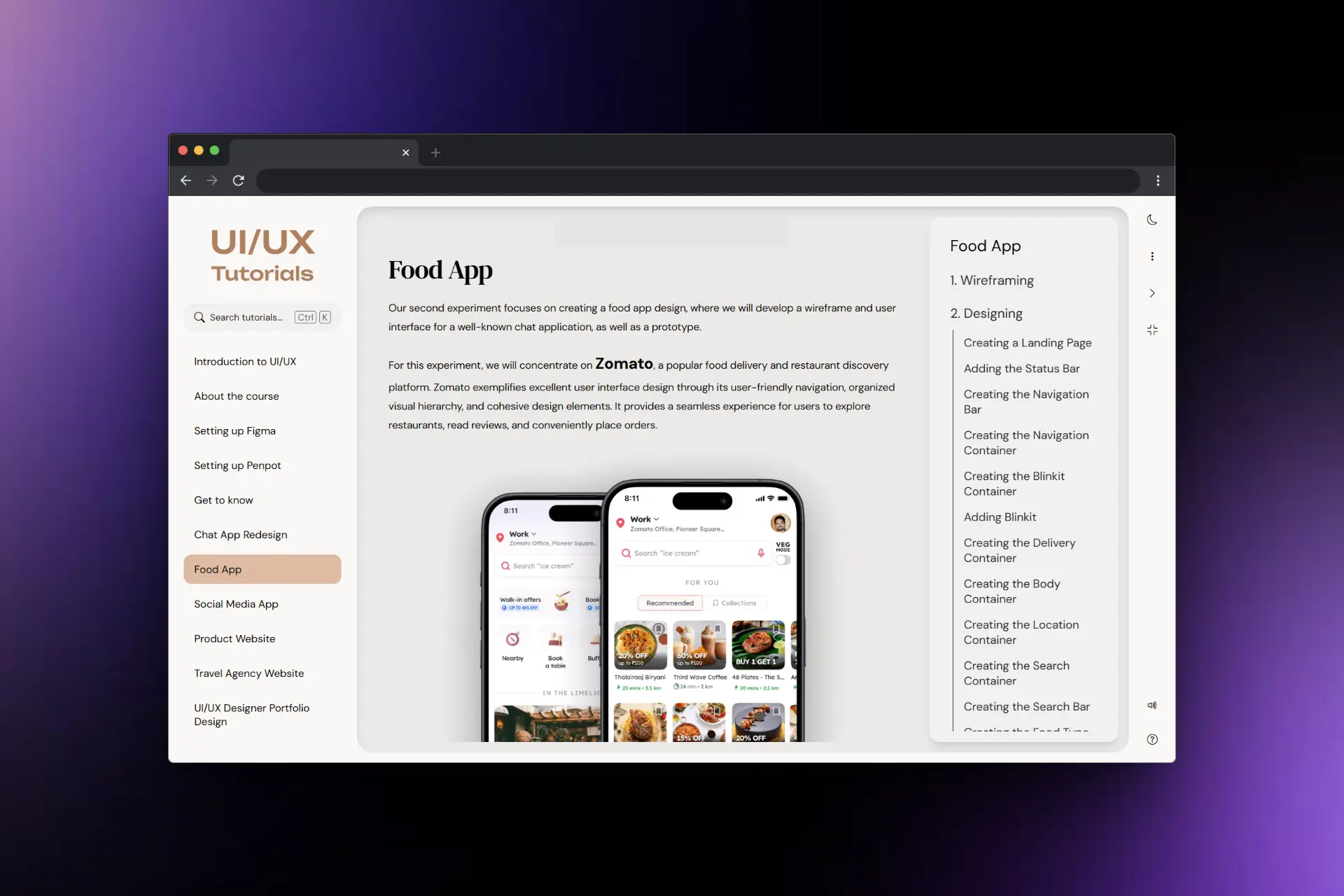
UI/UX Tutorials is a learning platform built around the experiments and practical exercises included in the university curriculum.
Rather than trying to cover every aspect of design, the platform focuses on helping students understand the topics they encounter during their coursework and complete the required experiments more confidently.
The platform includes:
- ➔Structured experiment-based learning paths
- ➔An installable Progressive Web App (PWA) for mobile access
- ➔Markdown-based content management for easier updates
- ➔A searchable collection of design resources, fonts, references, and supporting material
- ➔An admin dashboard for announcements and collecting student feedback
Design & Accessibility
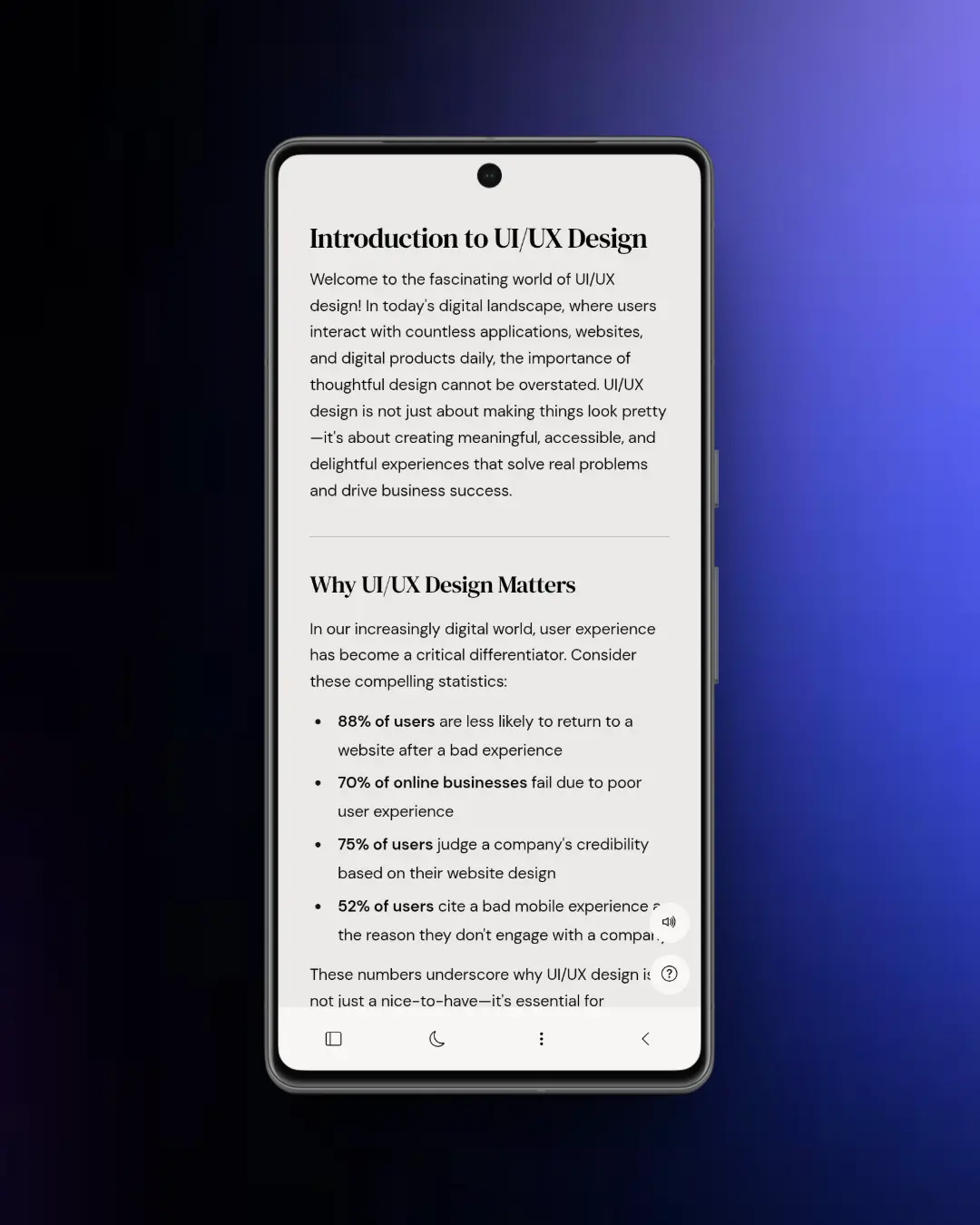
As I learned more about UI/UX design, I kept revisiting and improving the platform.
Many of the changes came from observing how students used the site and identifying areas where navigation or content organization could be clearer. Over several iterations, I refined the structure, improved accessibility, and simplified the overall experience.
Some of the improvements included:
- ➔Responsive layouts for different screen sizes
- ➔Keyboard-friendly navigation
- ➔ARIA support
- ➔Image zoom functionality
- ➔Better content hierarchy
- ➔Improved organization of learning materials
The goal was always to make the content easier to consume and reduce unnecessary friction while studying.
Impact
What started as a document shared among a few classmates eventually grew into a resource used by more than 120 students across multiple batches and institutions.
Beyond helping students, the project became one of my earliest opportunities to learn by building something people actually used. It gave me hands-on experience with JavaScript, browser fundamentals, accessibility, content organization, and interface design while solving a real problem I encountered during college.